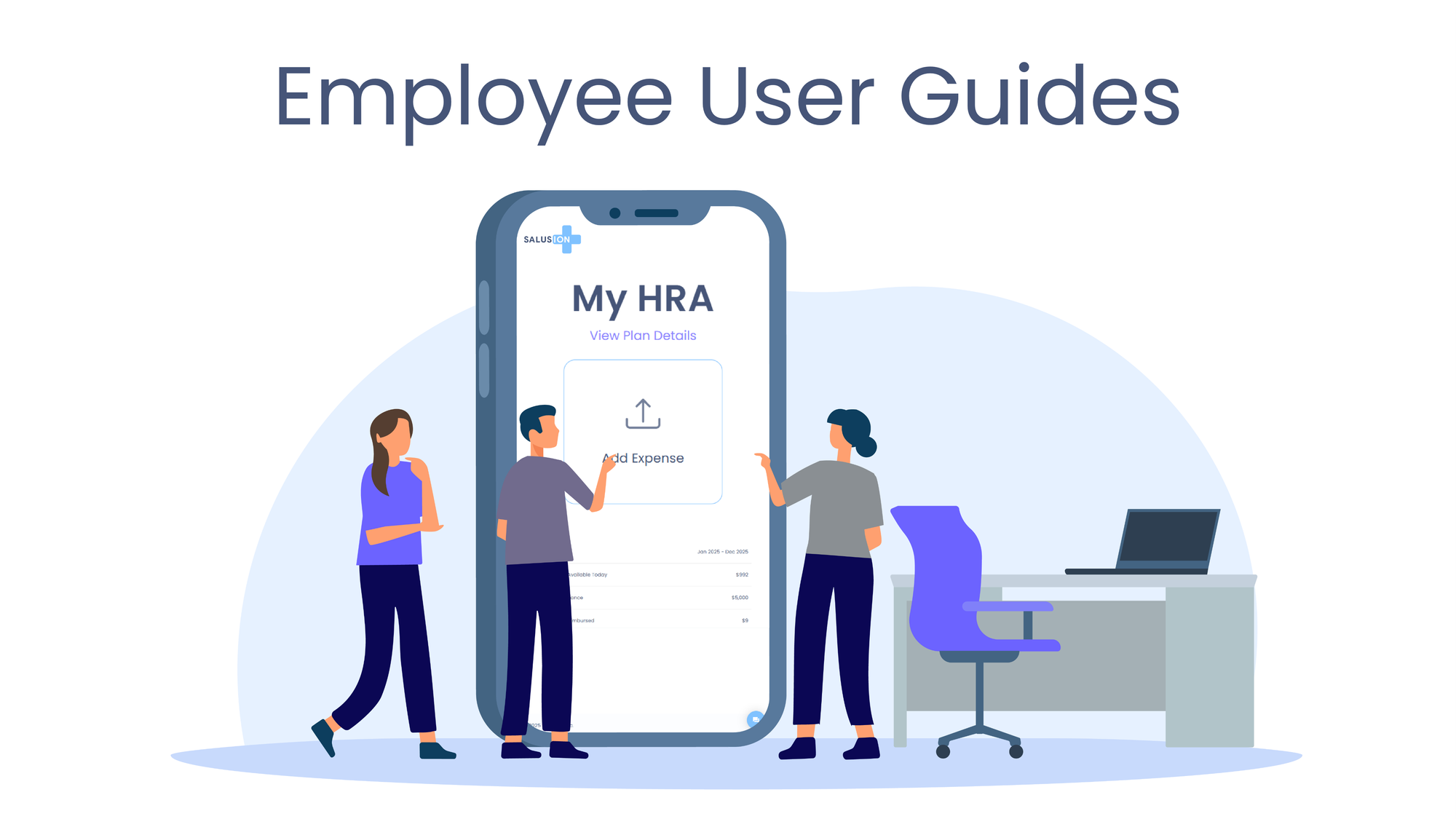


After you submit an expense, scroll down to Expense Status. Each expense card shows:
- Status (e.g., Approved)
- Upcoming Reimbursement Amount
- Upcoming Reimbursement Date
That date is the best answer to “when will I get reimbursed?” for that specific expense.

How Expenses Are Reimbursed
To understand why your reimbursement date is what it is, click View Plan Details (top-right of your dashboard) and look at Reimbursement Method.


There are three possible setups:
- ACH Direct Deposit — Daily
- Once an expense is approved, Salusion initiates an ACH the next business day.
- Funds typically arrive ~5 business days after the ACH is initiated.
- ACH Direct Deposit — Monthly
- All approved expenses for the month are batched together.
- ACH is initiated on a fixed date (for example, the 25th of the month, shown in your plan details).
- Funds typically arrive ~5 business days after that date.
- Employer Reimbursement
- Salusion approves and tracks expenses, but your employer pays you directly.
- We do not control timing.
- In your Expense Status, the reimbursement date will show Employer Reimbursement.
How Expenses Are Processed
- Salusion reimburses as much as possible immediately, up to your available allowance.
- The remaining balance stays attached to the same expense.
- As new allowance becomes available in future months, the remaining amount is reimbursed automatically.
- This is why you may see the same expense appear again later with a smaller upcoming reimbursement.
- Expenses are always processed first-in, first-out, and we continuously apply new allowance until the expense is fully reimbursed.
Example:
- Expense submitted: $1,286.07
- Allowance available now: $1,025.00
What you’ll see:
- Upcoming Reimbursement Amount: $1,025.00
- Remaining Unpaid Amount: $261.07