Your employer is offering you a QSEHRA, which lets you get reimbursed for health insurance and certain medical expenses. This guide shows you how to get set up and start using it.
How Your QSEHRA Works
You Need Health Insurance to Participate
To use your QSEHRA, you need health insurance.
Common qualifying coverage:
- Individual health insurance (Marketplace or private)
- Coverage through a spouse or parent’s employer (including COBRA)
- Medicare, Medicaid, VA benefits, or Tricare
Coverage that does not qualify on its own:
- Dental or vision-only plans
- Health sharing plans
- Short-term or limited benefit plans
You must have qualifying coverage before you can be reimbursed.
What Expenses Are Eligible
A QSEHRA can reimburse two types of expenses:
- Health insurance premiums
- Out-of-pocket medical expenses
Health insurance premiums are the amounts you pay for medical, dental, or vision coverage.
Out-of-pocket medical expenses are health care costs you pay yourself, rather than through insurance. Common examples include deductibles, copays, coinsurance, prescriptions, dental expenses, vision expenses, and everyday medical items like cold and flu products or feminine care.
Your specific plan may reimburse premiums only, or both premiums and out-of-pocket medical expenses.
Your plan may also limit which premiums are eligible. For example, many plans exclude taxable premiums, such as premiums paid pre-tax through a spouse’s or parent’s coverage.
You will see exactly what your plan covers during onboarding, and your plan details will be available once you are logged into the platform.
 Sean Grettum
When Expenses Are Eligible
Expenses must fall within your plan year.
Premiums must match the correct coverage month, and medical expenses must match the date of service.
If the timing does not match your documentation, the expense will be denied.
Whose Expenses Are Eligible
Your QSEHRA covers expenses for you, your spouse, and your dependents.
If you have family members included, you will add them during onboarding and provide proof of their coverage.
How Your Allowance Works
Your employer sets your total allowance for the year. You will see your allowance during onboarding and on your dashboard once your account is set up.
That allowance becomes available monthly. You can be reimbursed up to the amount available when your expense is processed.
If an expense is approved, you will be reimbursed up to your available amount. If the full amount is not available yet, you will be reimbursed in parts. As more allowance becomes available, it is applied automatically.
Expenses are reimbursed oldest first. An expense will be fully reimbursed before moving on to the next one.
Because of this, it is normal to see partial reimbursements before an expense is fully paid.
At the end of the plan year, you have 75 days to submit expenses that occurred during that plan year. Those expenses will be reimbursed using that plan year’s remaining allowance. After the 75-day period, any unused allowance is forfeited.
Set Up Your Account
Your employer will send you an email inviting you to enroll in your QSEHRA.
When you receive that email, click Enroll.
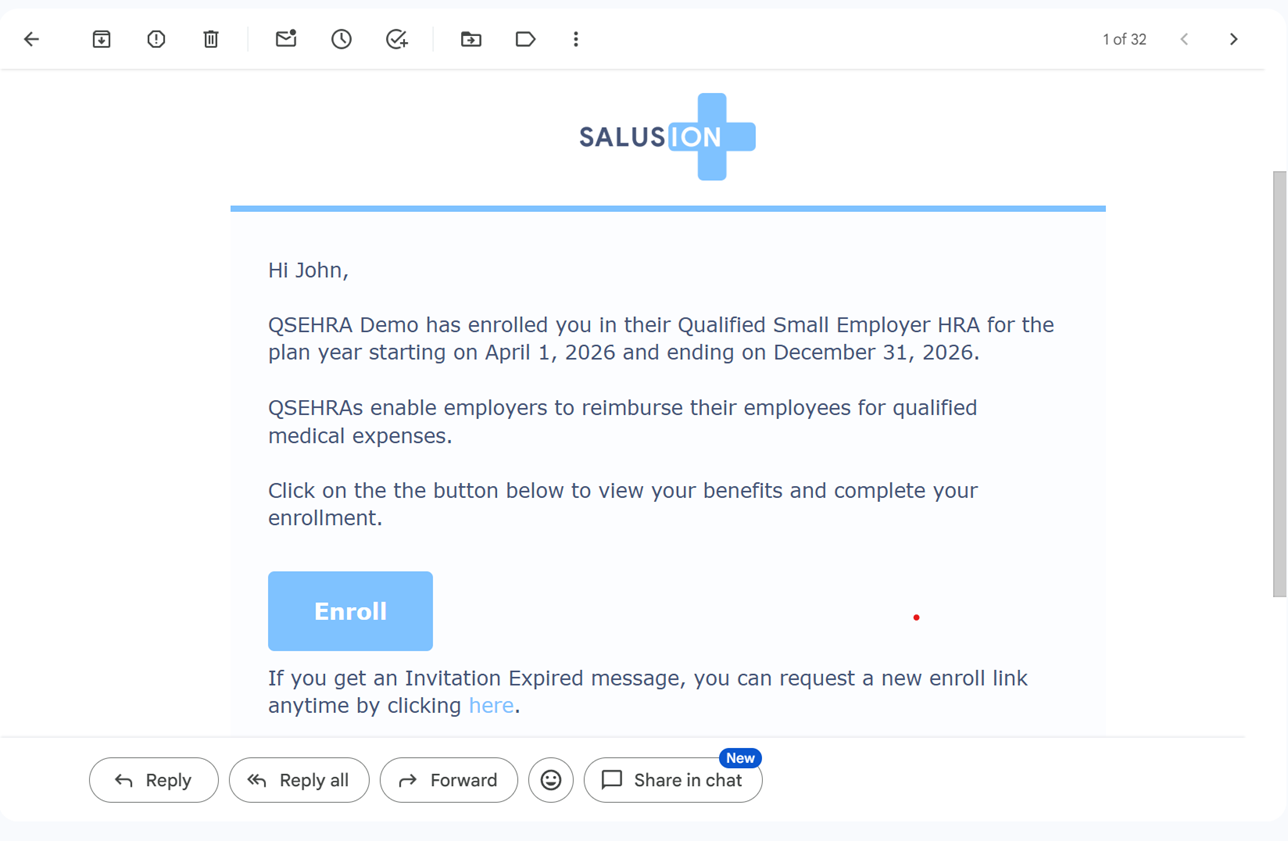
You will be taken into the onboarding flow. This is where you will set everything up before you can start submitting expenses.
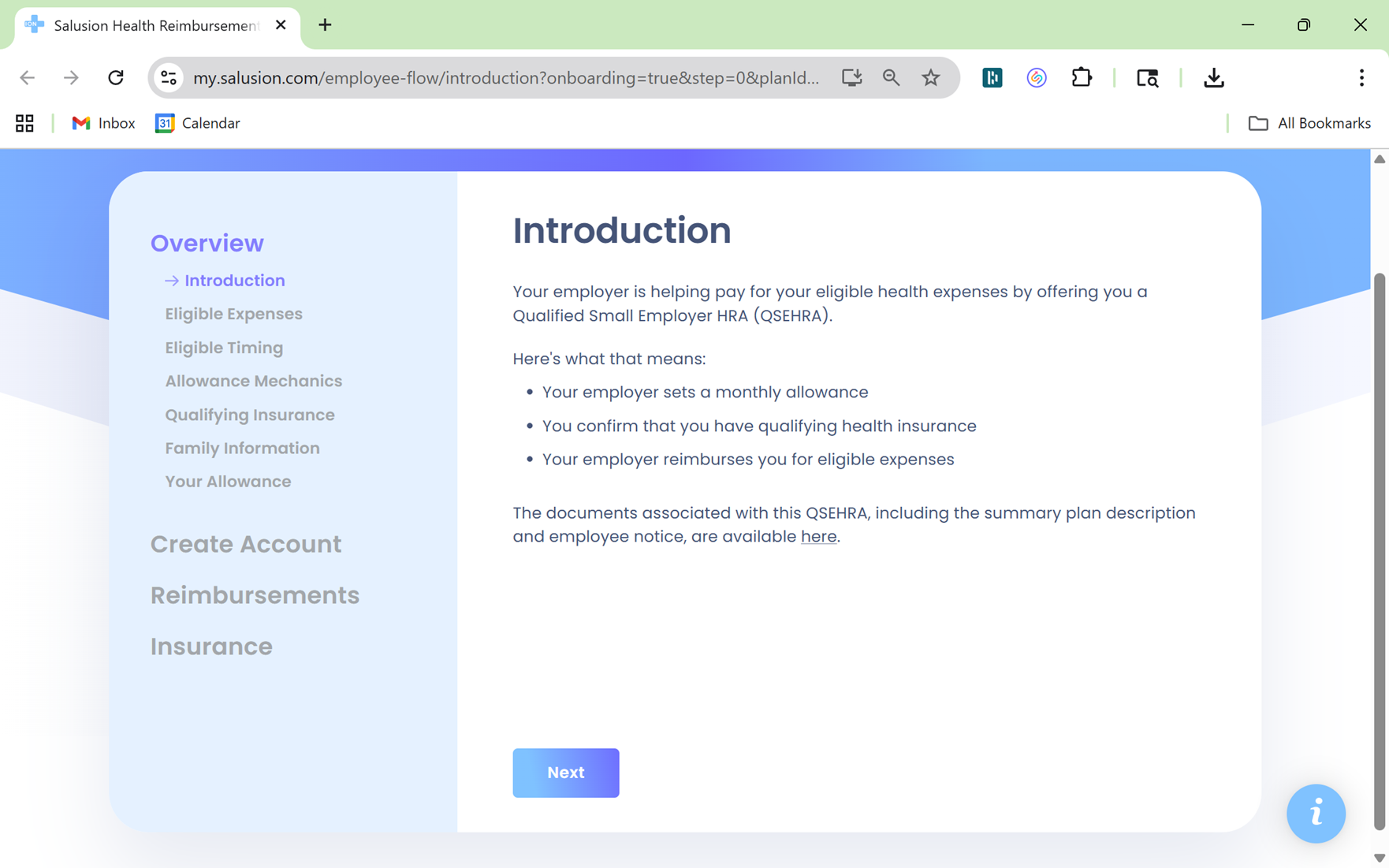
During onboarding, you will:
- Review your plan
You will see what your QSEHRA covers, including eligible expenses and your allowance. - Confirm your household
You will enter information for yourself and any spouse or dependents who will be covered. - Create your account
You will create your login and password so you can access your dashboard. - Set up reimbursements
If your employer is using direct deposit, you will enter your bank account so reimbursements can be sent to you. If not, your employer will reimburse you outside of the platform. - Confirm or purchase health insurance
You will provide details about your health insurance and submit proof for yourself and any covered family members. If you do not have insurance, you will be guided to options to purchase coverage.
Once you complete onboarding, you will land on your dashboard and can start submitting expenses.
Use Your QSEHRA
Once your account is set up, you will use your dashboard to submit and track expenses.
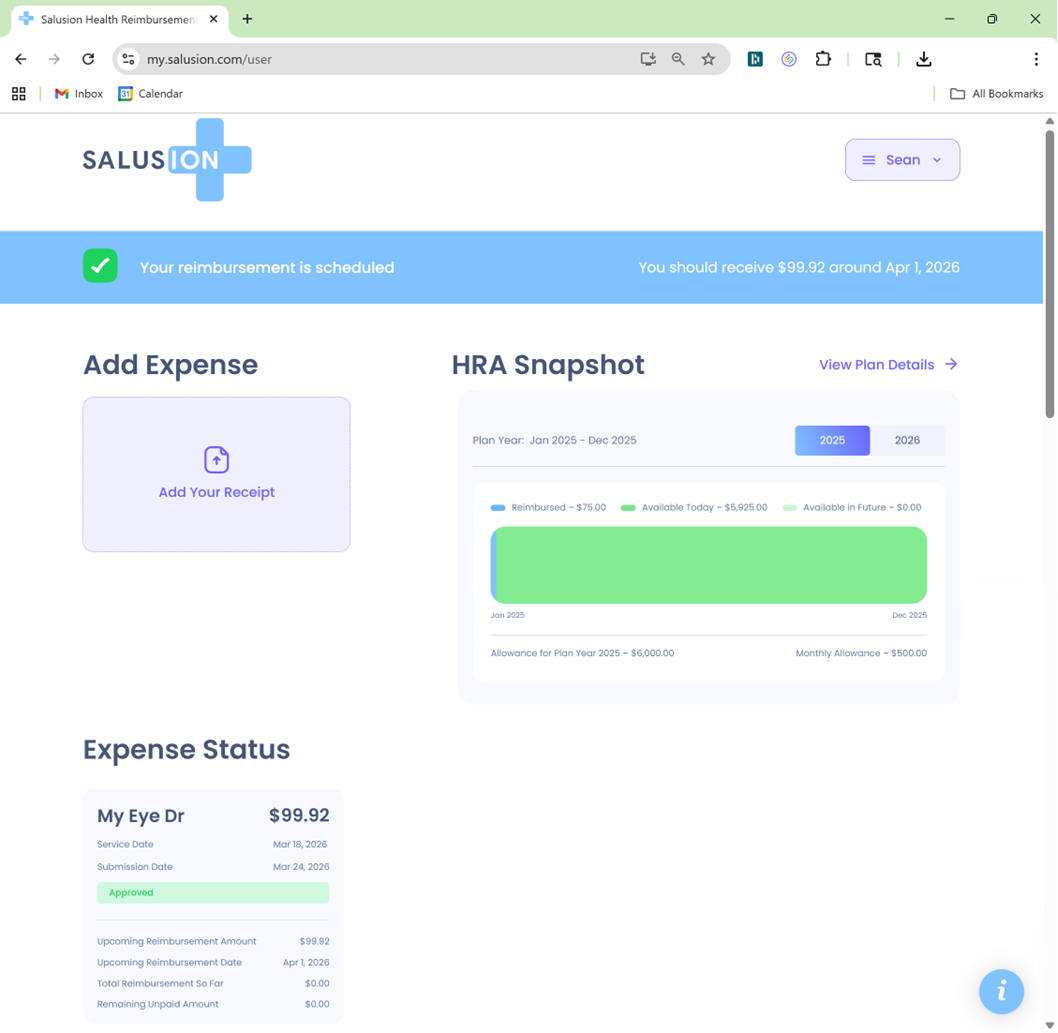
To submit an expense:
- Click Add Your Receipt
- Upload your documentation
- Enter the expense details
- Submit
For premiums, make sure the amount and coverage month match your documentation. For medical expenses, use the actual date of service.
 Sean Grettum
After you submit, the expense will appear in Expense Status.
You can track everything from the Expense Status section on your dashboard. Each expense shows its status, upcoming reimbursement amount, and upcoming reimbursement date.
To see when you will be reimbursed, check the top banner on your dashboard or look at the Upcoming Reimbursement Date shown on the expense itself. The date depends on your available allowance and your plan’s reimbursement method.
 Sean Grettum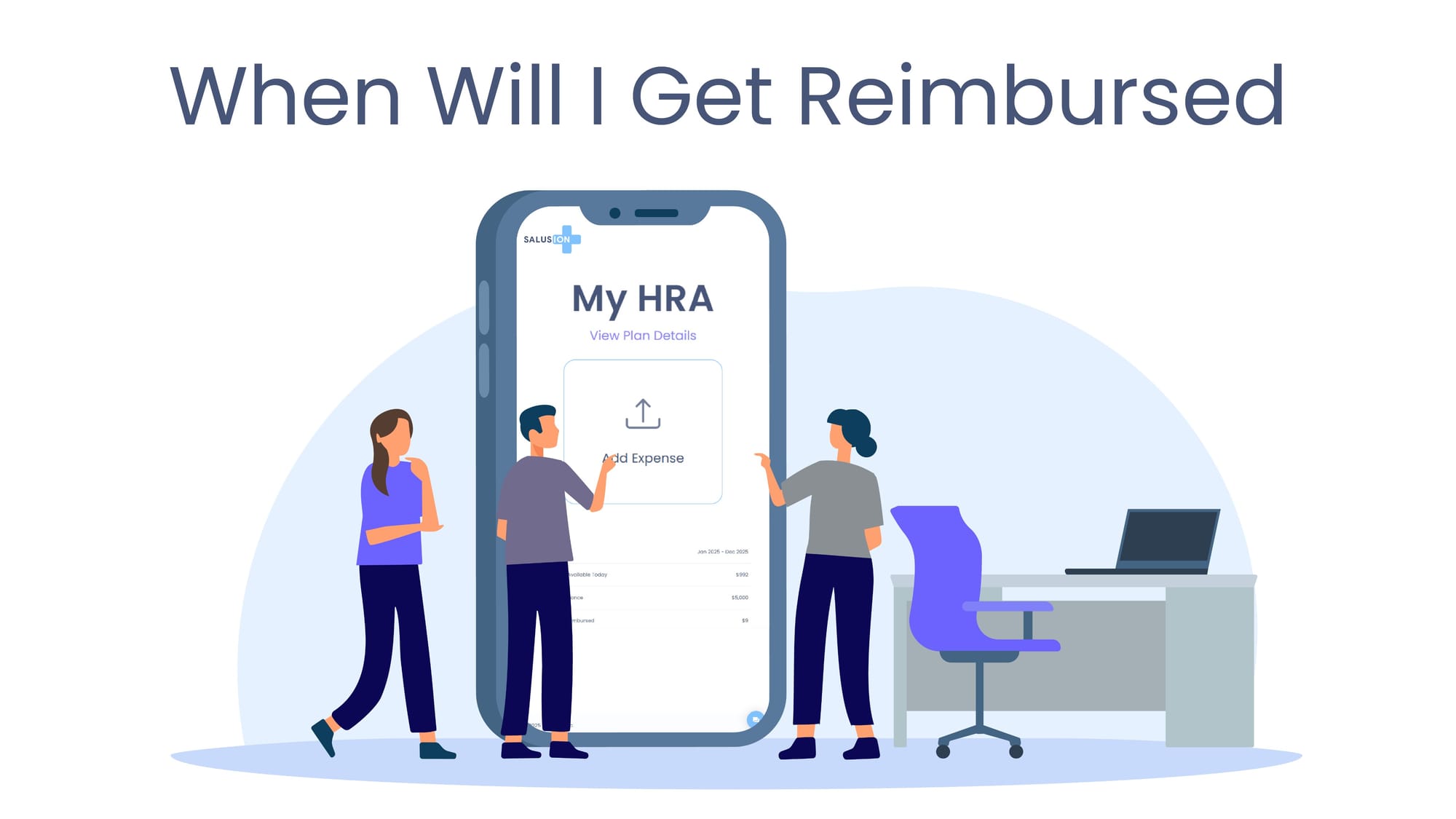
If your plan uses direct deposit, payments are sent to your bank account. If not, your employer will reimburse you outside of the platform.
If an expense is not approved, you will see it in red in Expense Status. Click the message to see what needs to be fixed. Most issues can be corrected and resubmitted.
Click View Plan Details to see a summary of your QSEHRA.
If you need help, use the blue circle at the bottom of the screen. You can view frequently asked questions, send a message, or schedule a call.